
Set up your boards
Add or manage active boards in the organiser area. Each board has a dedicated page.
When several boards are in use, it should be obvious where each match is scored. DartPilot gives each active board its own page and printable QR sheet.
DartPilot focuses on darts, connecting boards, QR scoring, groups and finals in one tournament workflow.
For UK darts nights and club events, agree on the playing format and match rules before the draw.
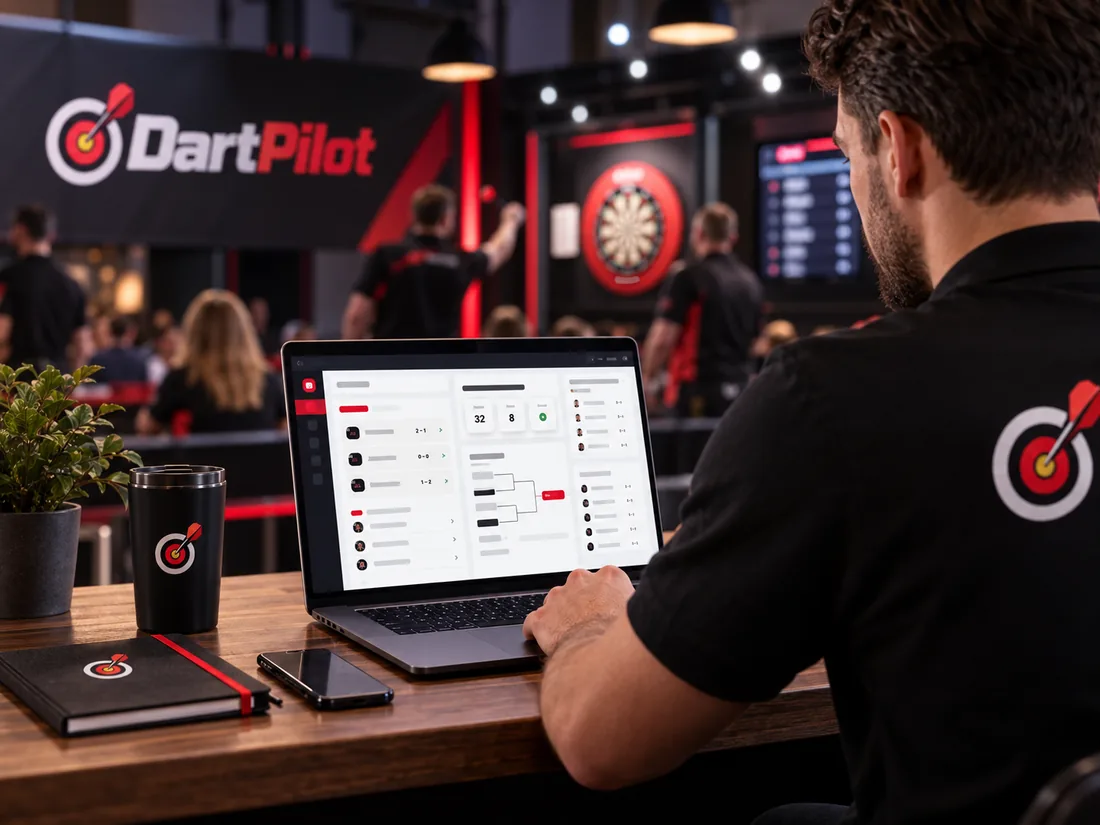
Add or manage active boards in the organiser area. Each board has a dedicated page.
Open the QR code section and print the A4 board sheets. Place each sheet next to its board.
Scan the sheet with a phone camera to open the appropriate scoring page. A board code is also printed as a fallback.
Yes. DartPilot generates a separate printable sheet for every active board.
The printed sheet includes a board code. Check the print quality and network connection.
No. The QR sheet opens the board page; private organiser tools remain separate.
Learn how board assignments and live results fit into the same workflow.
Create a free organiser account and check the current tournament options and pricing before setting up your event.