
Set up the tournament
The organiser creates a tournament and sets the date, venue, format, number of boards and knockout options.
DartPilot guides a full tournament day: from registration and groups to live scores, board assignments and the final. Organisers stay in control, while players only see what is relevant to them at that moment.
The technical tournament logic stays in the background. That lets organisers work quickly while players only see their matches, boards and standings.
The organiser creates a tournament and sets the date, venue, format, number of boards and knockout options.
Players are added manually or sign up through the public tournament page. The participant list stays central in one place.
DartPilot divides players into groups and automatically creates the matches. No manual writing is needed.
Players see on their phone who they play and on which board. QR codes and board pages make the correct match easy to open.
During the event, scores are entered and processed. Standings, matches and statistics update instantly for players and organisers.
After the group phase, the organiser starts the knockout stage. DartPilot advances players into the next bracket and guides the event to the final.
Clear guides to setting up an event, managing groups, creating knockout brackets and showing results on a projector.
A practical darts tournament checklist: entries, groups, boards, live scores and knockout rounds.
How to draw darts tournament groups, plan fixtures and keep group standings accurate.
How to make a darts knockout bracket after groups, including qualification and optional losers rounds.
Show darts live results, group standings and knockout brackets on mobile phones and projector screens.
From entries and board assignments to a projector display: learn how each part of the existing software works.
Display live darts matches, group standings and knockout information on a projector. See how DartPilot’s public display works.
Learn more →Organise darts tournament registration, manage entrants and check who has arrived. Learn how DartPilot supports tournament organisers.
Learn more →Print a unique QR sheet for each active darts board. Scan to open the correct board scoring page and keep your tournament organised.
Learn more →Organise darts tournament fixtures, manage available boards and help players find their next match with DartPilot.
Learn more →Run group tables, matches and knockout rounds in one darts tournament workflow with DartPilot.
Learn more →Not just brackets and schedules, but also a clear experience for organisers and players during the tournament.
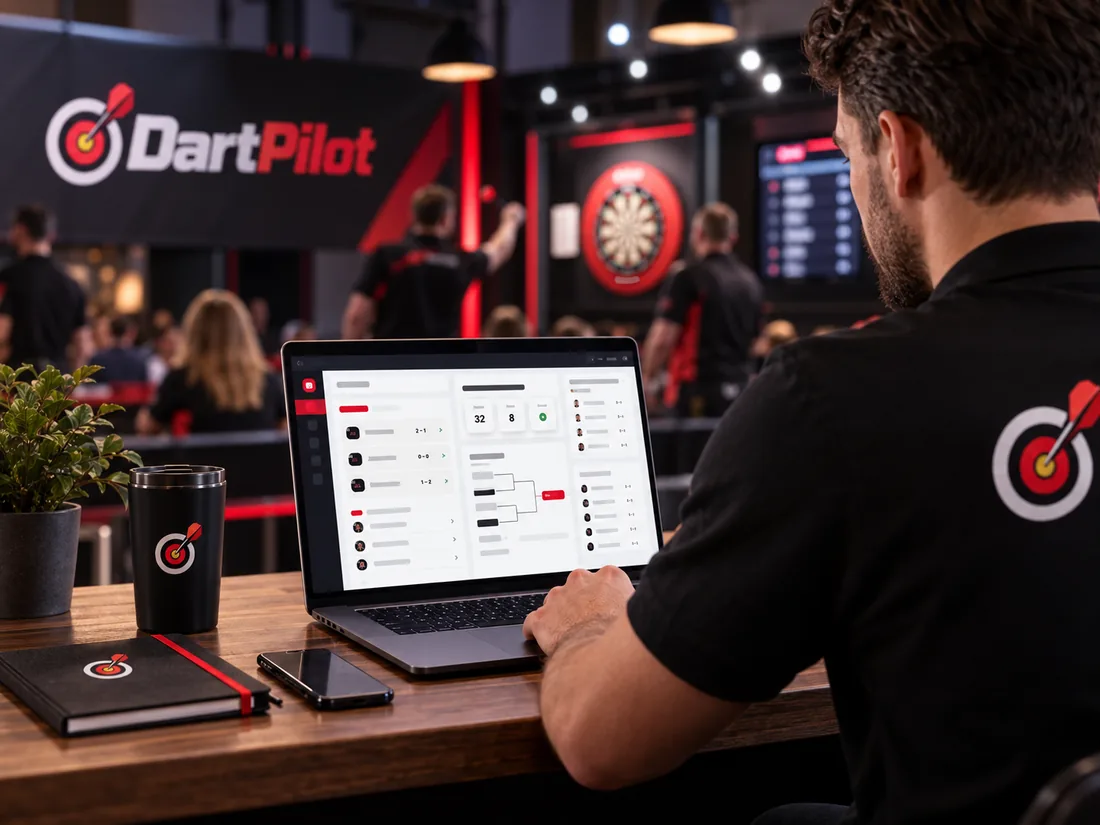
Organisers see participants, boards, matches and progress in one central control hub. That creates calm on the floor and fewer loose questions.
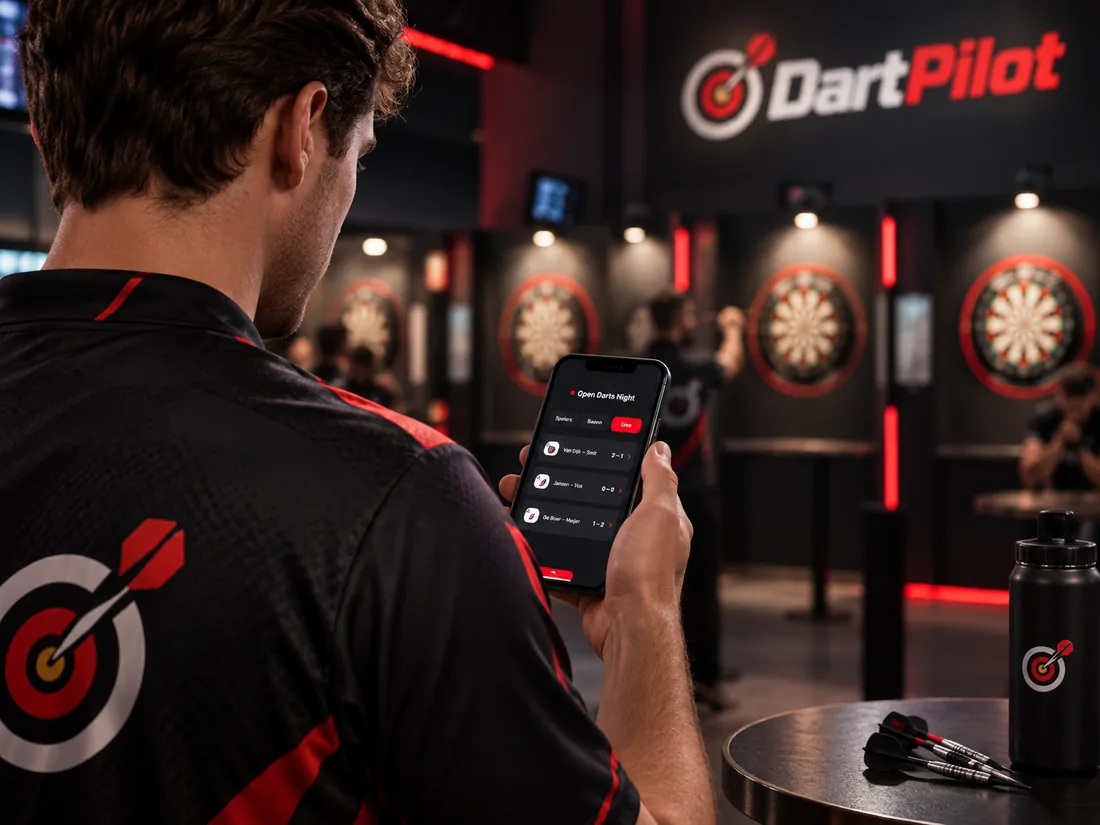
A player simply opens the page on their phone and immediately sees the next match, the board and the current results without installing an app.
Illustrative product image, not a screenshot of a live event.
Everyone works with the same up-to-date information. Players know where to go, organisers stay in control and spectators can follow live.

DartPilot is built as a practical tournament control centre. You stay in control of players, boards, scorers, progress and the next steps in the tournament.
Players get exactly the information they need, without complicated admin screens. Everything works directly on phone, tablet or laptop.
Download a compact guide in DartPilot style. Useful to share with players, venues, volunteers or organisers.
 File: PDF · player guide
Explanation of signing up, following matches, board information, live standings and the knockout stage.
Download player guide File: PDF · organiser guide
Explanation of setting up a tournament, managing players, processing scores, using boards and starting the knockout stage.
Download organiser guideNo. A player can follow a tournament through the public page or via a QR code. An account is only needed for extra features such as history or profile linking.
Yes. DartPilot is designed for real on-site tournaments. The platform works on phone, tablet, laptop and public display screens.
Yes. As soon as results are entered, DartPilot automatically updates standings, match progress and advancement into the next rounds.
Yes. That is why separate PDF guides have been added for players and organisers. You can easily download and forward them.
Creating an organiser account is free. Tournament usage and capacity depend on the current plan terms.
Register and verify your email address.
Choose format, participants, boards and entry options.
Compare Flex, Club and Unlimited and check the conditions for your event.

Create an organiser account to set up your own tournament, or view a public tournament to experience DartPilot live.
Start organising or browse current tournaments to see how the platform works live.
Set up the tournament and verify the entry list. Publish the format, start time and tie-break rules. Finalise board allocations only once attendance is confirmed.
Run a test fixture and open the public live view on a second device. Check that scorers can record a result and players can find their next board and match.